Unified client list
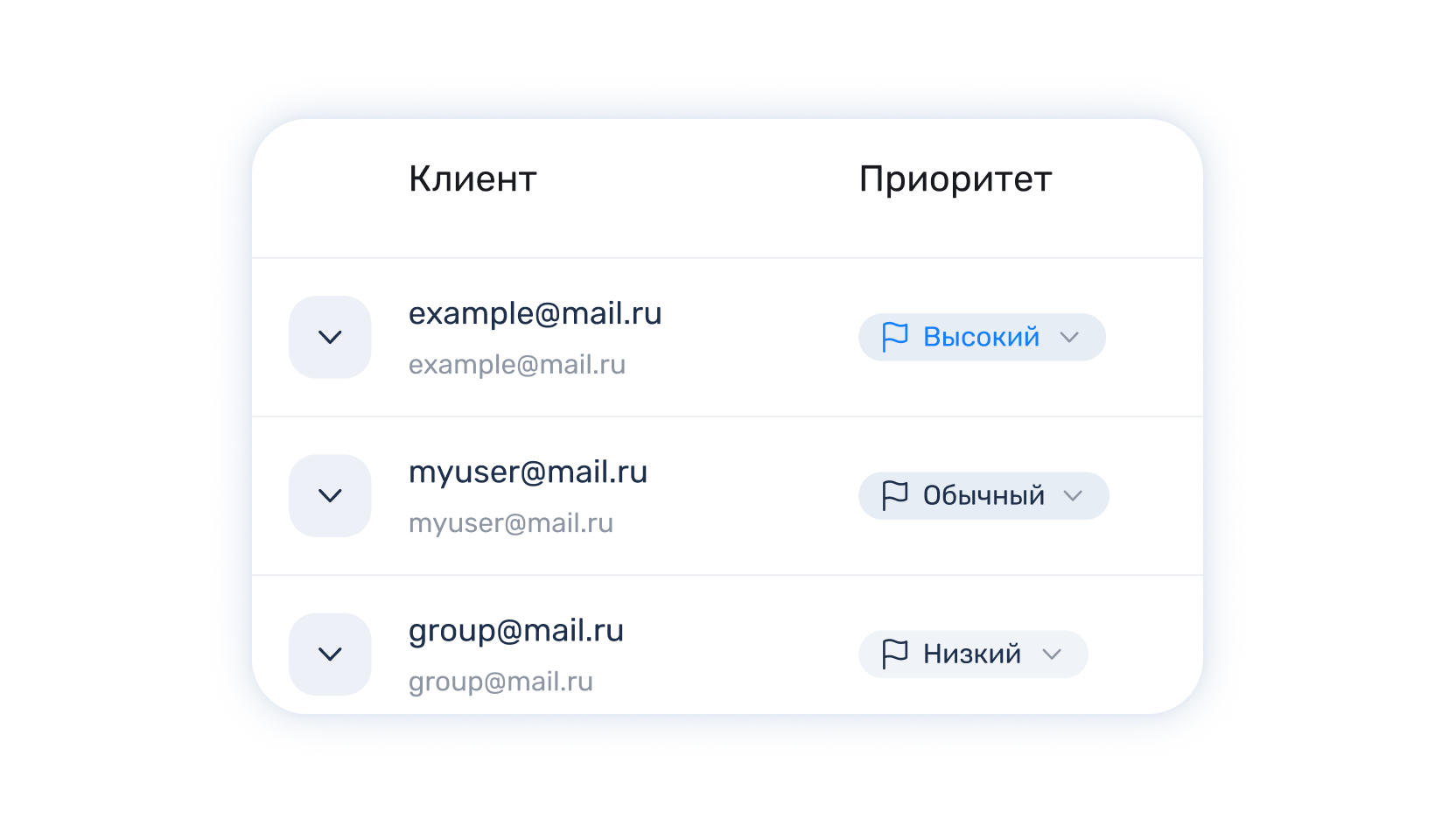
Status, balance, and priority for every client — in one table. Expand a row to see all of their ad accounts.
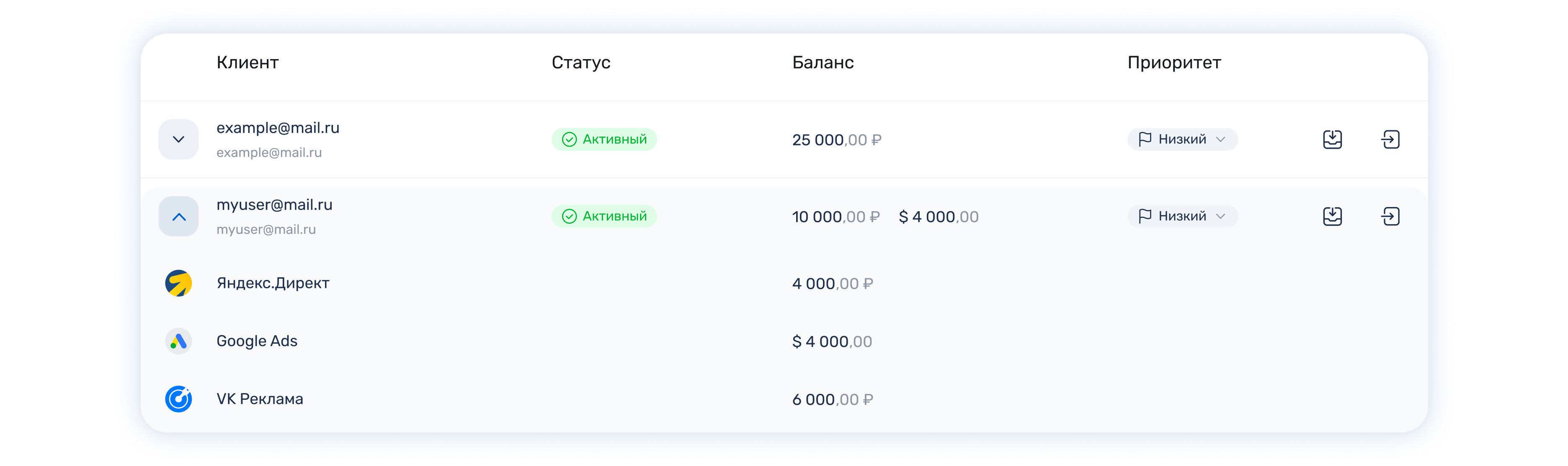

Everything you need to work with agency clients — in one window.
Status, balance, and priority for every client — in one table. Expand a row to see all of their ad accounts.
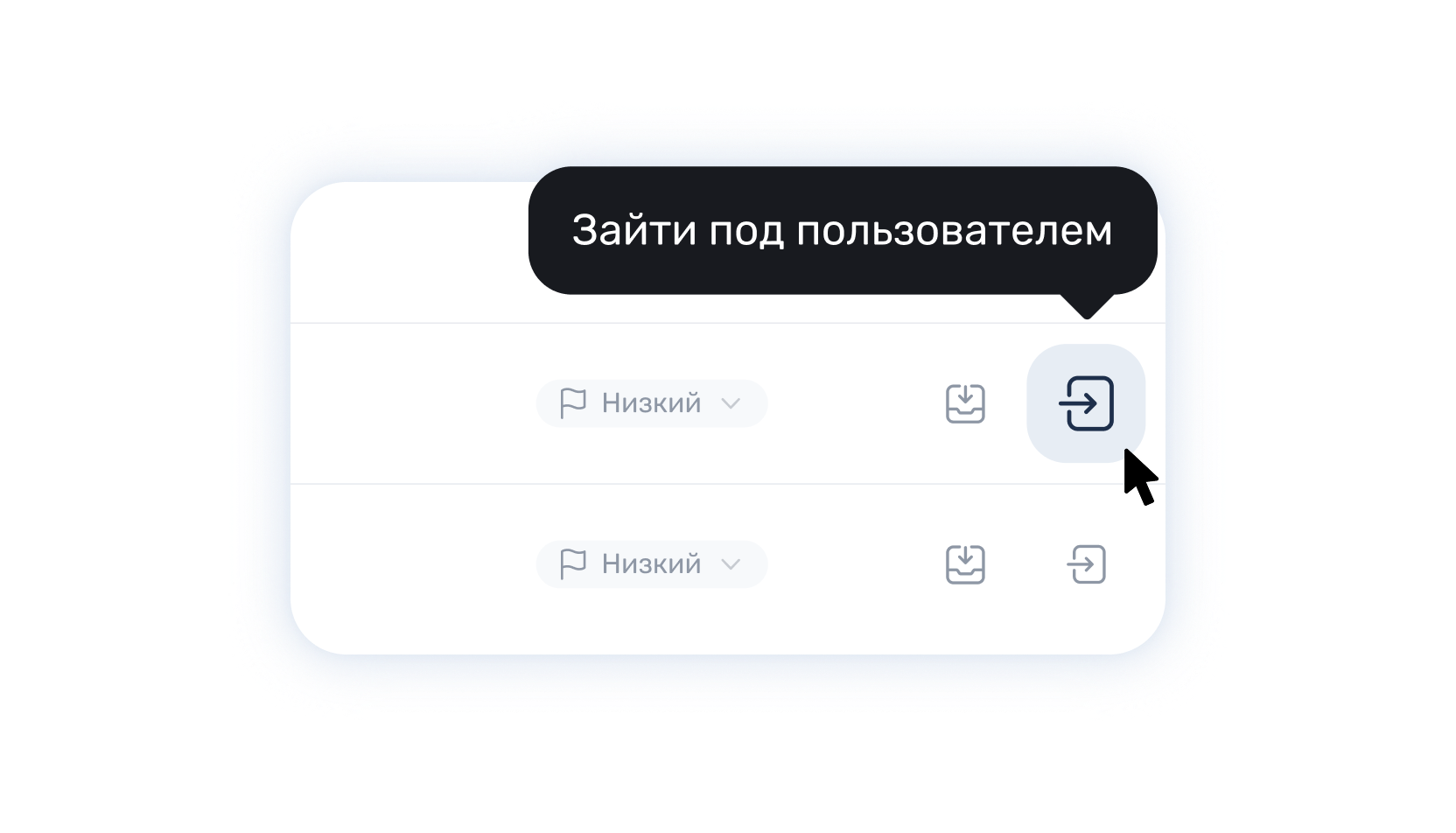
Click the button in the client row — and you are in their cabinet. No passwords, access grants, or account switching.
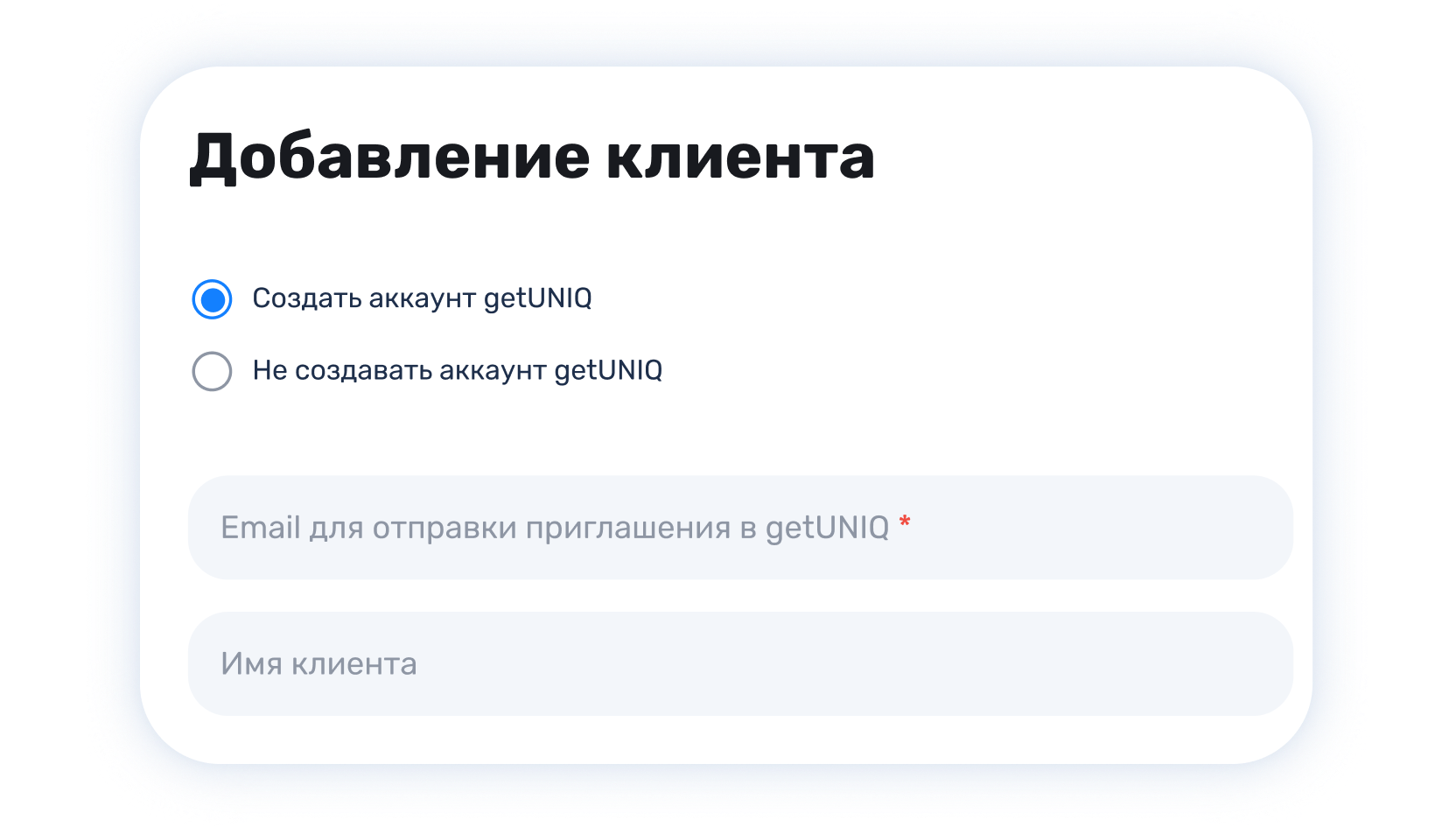
Client not on getUNIQ yet? Create an account for them or send an email invite — they will connect themselves.
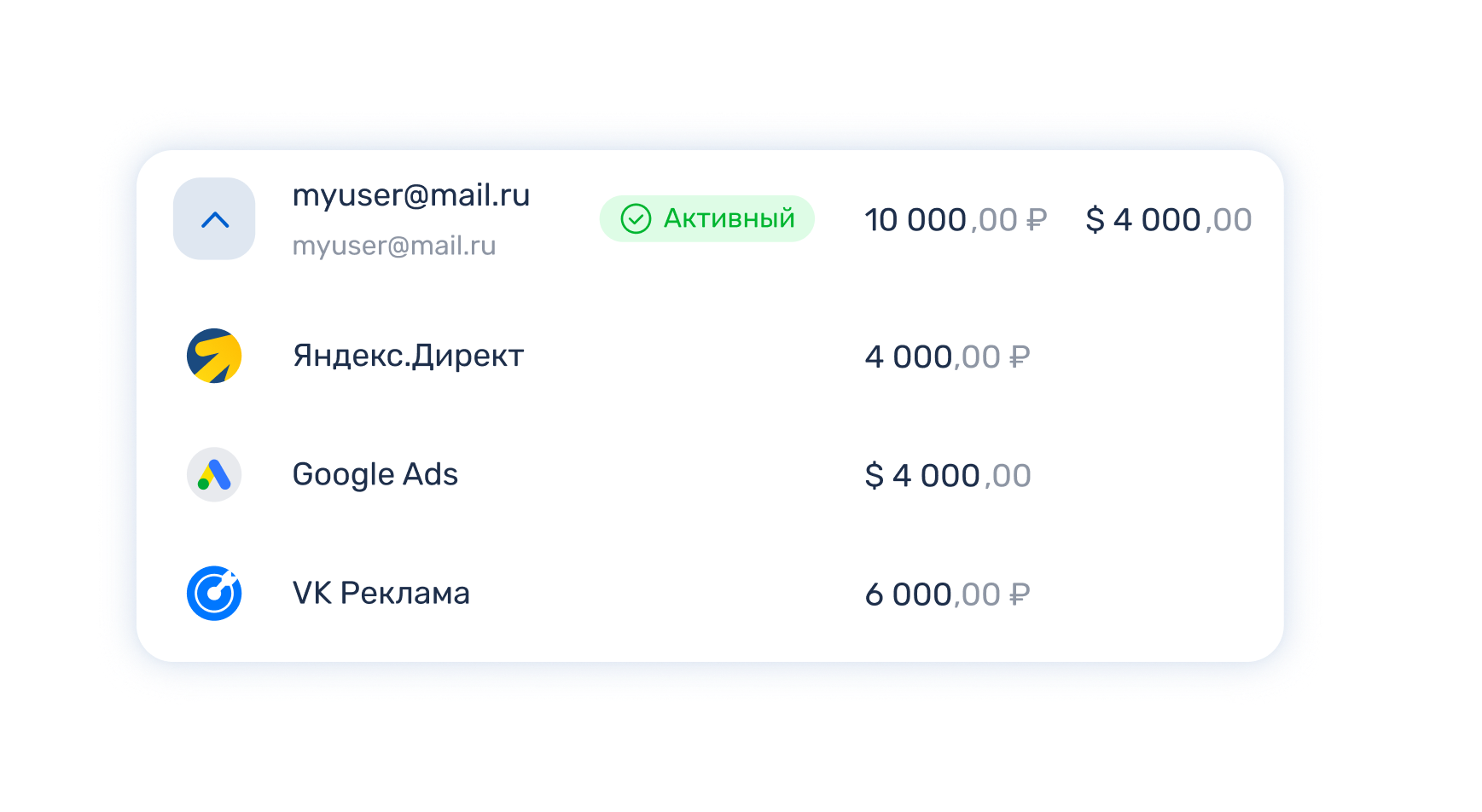
Rubles, dollars, and euros — for every client and every account. No manual reconciliation needed.
Mark who matters most: high, medium, or low. Sort the list so key clients stay on top.
Four steps — and you can invite clients.
Create a getUNIQ account or sign in to an existing one.
Find the section in the left menu.
Agency name, email, and phone — your clients will see them.
The cabinet is connected. Add clients and work with them from one window.
Connection is free and takes just a few minutes.